NoteSpace
App Description:
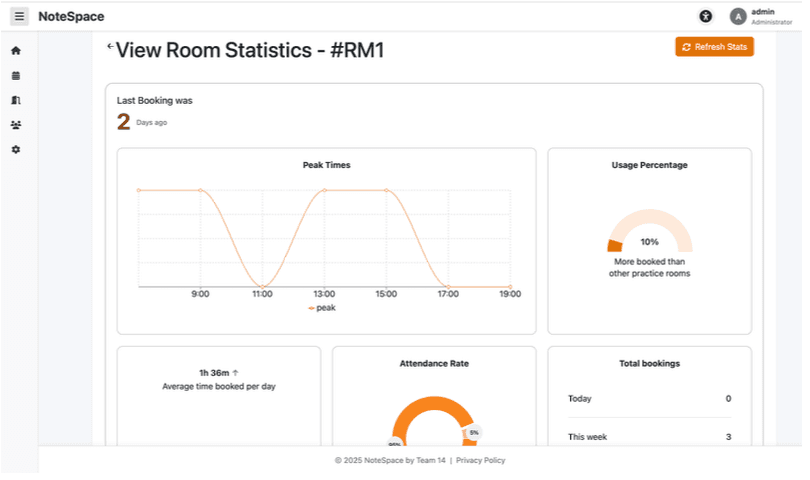
NoteSpace is a web-based booking system designed for the University Music Department, allowing students and staff to easily reserve practice rooms and track their usage. Users can view available rooms, book slots, check in to sessions, and access personal practice statistics.
Admins can manage rooms, monitor usage trends, assign penalties, and respond to complaints. The system includes accessibility features, role-based permissions, and, mobile support.
My Role:
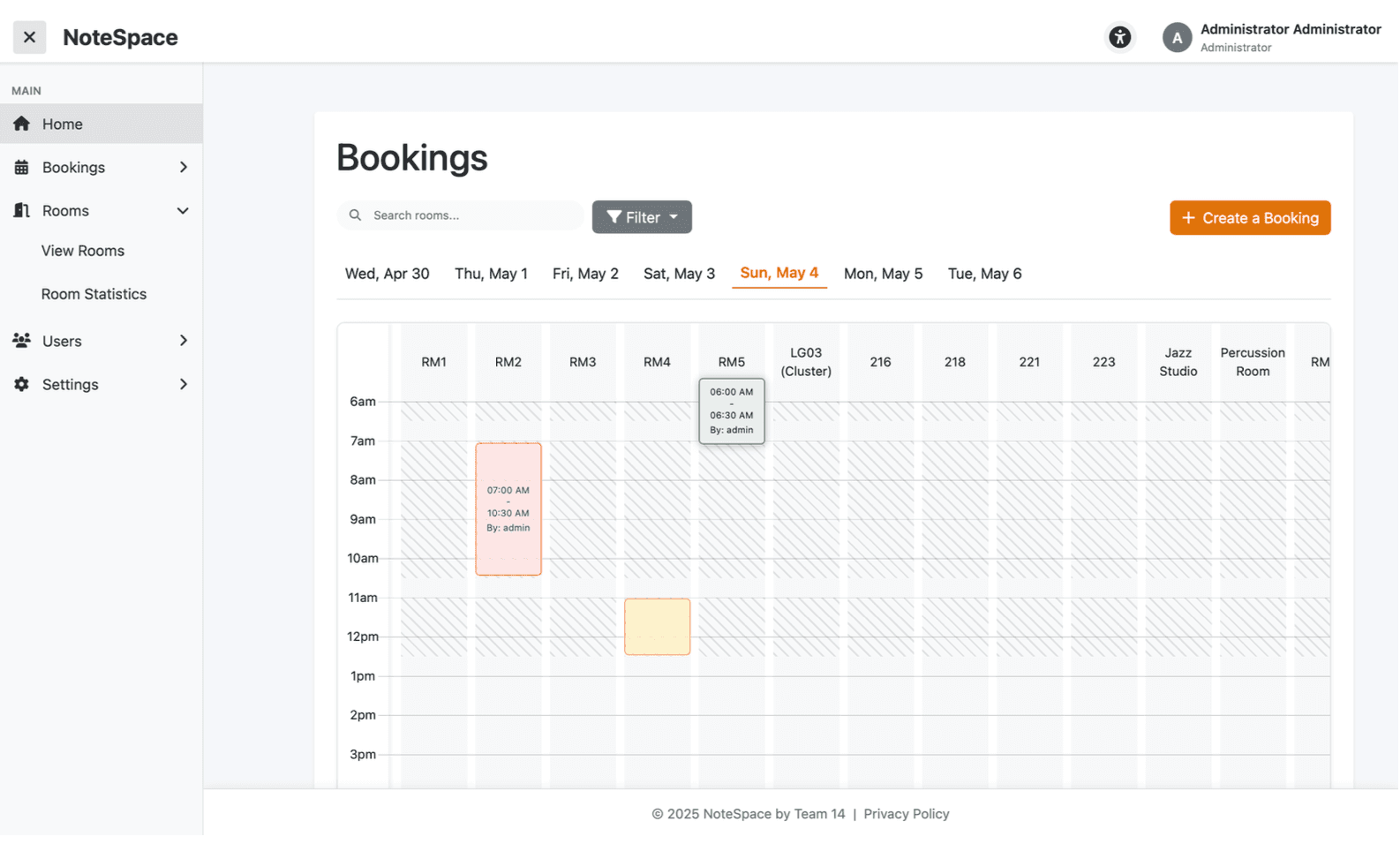
I implemented the core booking functionality, enabling users to create, edit, delete, and view bookings with strong back-end and front-end constraints to prevent overlaps, concurrent or past bookings, and enforce user permissions.
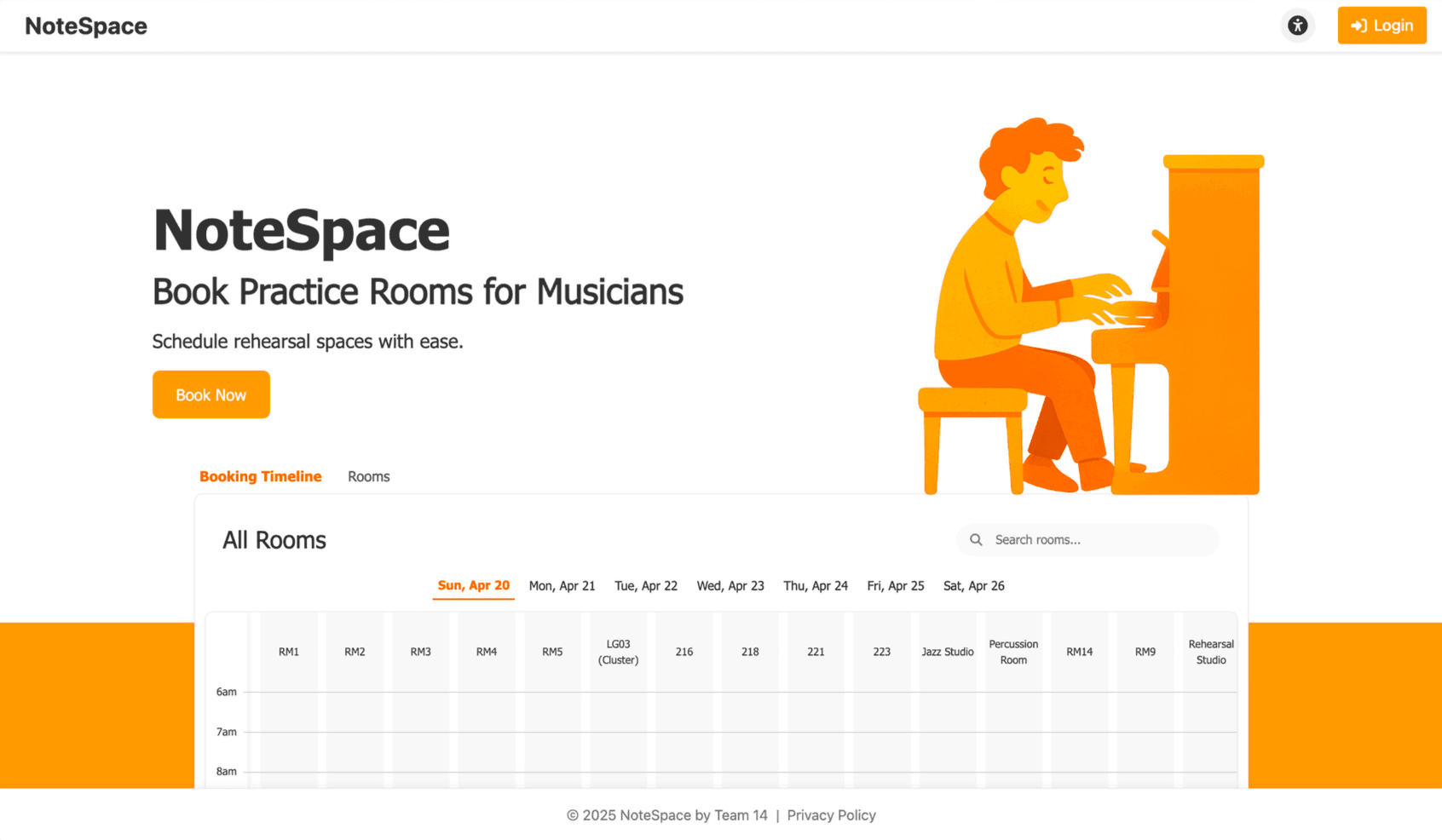
I also contributed to the check-in entity, developed key front-end pages including the landing and reception timeline views, and set up the CI/CD pipeline with VM deployment. Additionally, I supported the team by debugging and providing detailed feedback.
Why we built NoteSpace:
NoteSpace was created to replace the University of Birmingham Music Department’s outdated and frustrating room booking system. The previous system had a clunky, non-responsive design that performed poorly on mobile devices and lacked key functionality.
NoteSpace addresses these issues with a modern, user-friendly interface, mobile compatibility, real-time availability, editable bookings, a check-in system to verify attendance, and personalised user statistics.
It was built based on feedback from students and staff to ensure it truly meets their needs.
How did we create NoteSpace:
Technologies used:
NoteSpace was built using React for the frontend, Spring Boot for the backend, and PostgreSQL for data storage. The app is fully containerized using Docker and version-controlled through a GitHub monorepo.
Team and development process:
The team followed an agile, iterative approach, holding 2–3 meetings per week alongside regular TA meetings, with over 30 meetings in total. Each member developed a full-stack entity using vertical slicing, taking responsibility for both frontend and backend aspects. We used GitHub Projects and Kanban boards to plan, assign, and track tasks, ensuring collaborative and transparent progress.
Deployment and hosting:
Deployment was automated through a CI/CD pipeline using GitHub Actions, with builds and tests triggered on every push. The application was hosted on an Ubuntu virtual machine with self-hosted GitHub Actions runners. Final versions were deployed from the dev branch to the production environment, and the app is publicly accessible via university-provided subdomains.